
Rustfun community server / Survival operations
Survive the wipe.
Build your story.
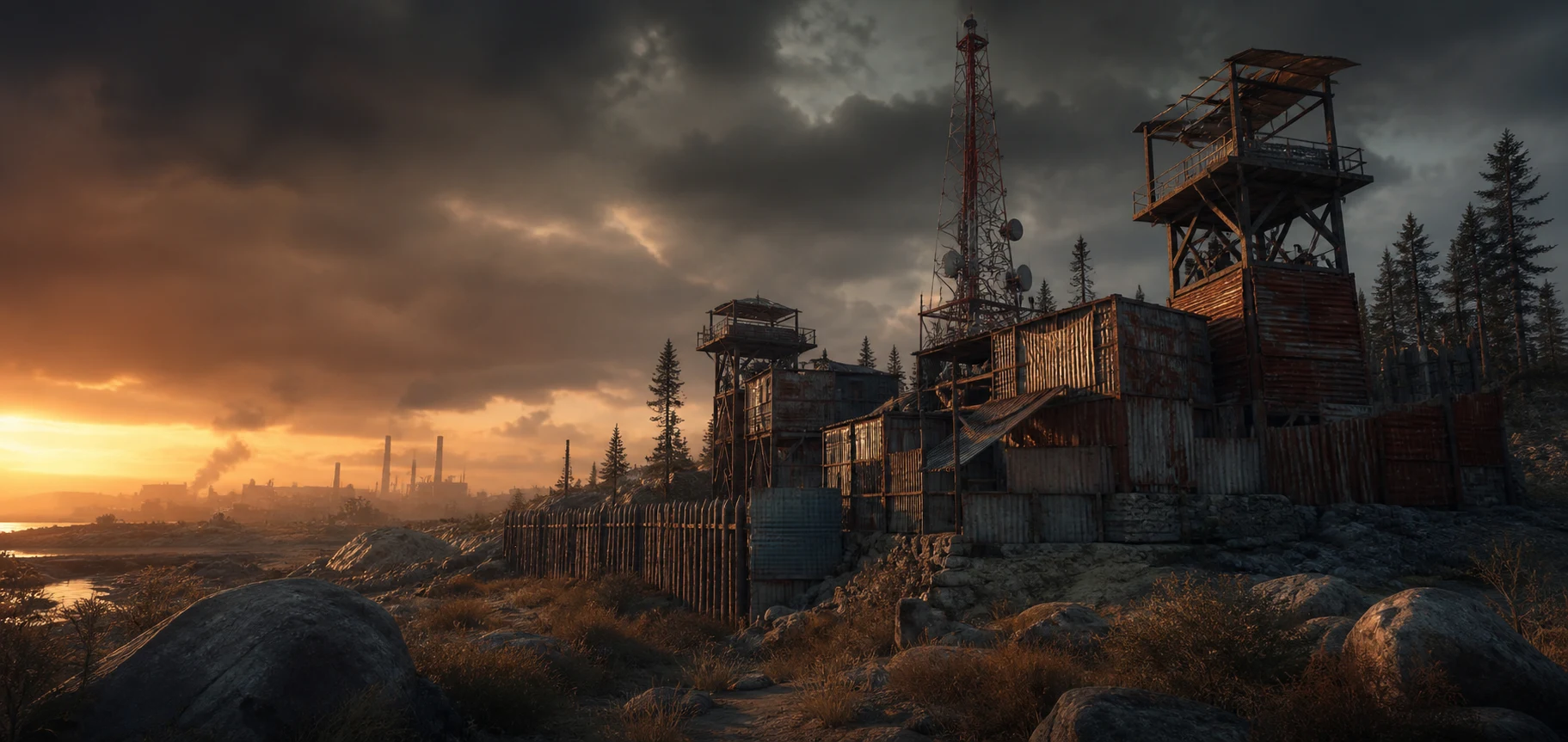
A community-first Rust server with clear wipe information, fair competition, and a direct route back into the fight.
Deployment console / Direct connect
play.rustfun.games:28015
client.connect play.rustfun.games:28015Server doctrine / Why Rustfun
Built for the next run.
Rustfun keeps the important information visible: how to connect, what the next wipe resets, and where to get help when something goes wrong.
Fair competition
No raid power for sale
Store support does not sell weapons, resources, blueprints, protection, or a combat advantage after a wipe.
Clear reset intel
Know what disappears
Every announcement states the date, map status, and blueprint status so you can plan the final hours of a cycle.
Player operations
A route back into play
Connection guides, order records, wipe information, and support stay organized outside the game client.
Wipe control / Reset intelligence
Every wipe is a new start.
Check the current notice before you commit time and resources. The published reset type always takes priority over old screenshots and cached listings.
Live wipe board
Next reset
Date to be announced
Map wipeConfirmed per notice
BlueprintsConfirmed per notice
Published timeUTC
Deployment route / Direct access
From Steam to fresh spawn.
Complete these steps in order. If the server browser is slow, the F1 command connects directly to Rustfun.
01 / Before launch
Update Rust
Install the latest game update through Steam and launch the standard Rust client with Easy Anti-Cheat.
02 / In the menu
Open the F1 console
Press F1 and enter client.connect play.rustfun.games:28015.
03 / Fresh spawn
Secure the first run
Place a sleeping bag, secure food and water, then build a compact starter before carrying more than you can protect.
Community supply / Support the server
Keep the server running.
Support options help fund hosting, moderation, and new community features. Enter your exact in-game nickname during checkout.
-
 Wipe Patron$14,99
 -
 Outpost Ally$8,99
 -
 Field Supporter$4,99
Field intel / Before you deploy
Answers without the guesswork.
Start with the essentials. The full FAQ covers store orders, server access, wipes, accounts, and support.
How do I join the Rustfun server?
Use the Join Server button or open F1 in Rust and enter client.connect play.rustfun.games:28015.
When does the server wipe?
The Wipes page publishes the current date, UTC time, map status, and blueprint status before the server opens.
How is a store order linked to my player?
Enter your exact in-game nickname during checkout. The order receipt keeps that nickname attached to the purchase.
Player support / Rustfun operations
Something blocking the run?
Send your player nickname, order number when relevant, approximate UTC time, and a clear description of what happened.